Online course for instructional designers
Learn AI by doing the work you already do
A hands-on course for instructional designers and L&D professionals. You learn just enough AI theory, through real production jobs, with the same agent tools that AI teams use.
Module 1 is ready now. Modules 2 to 8 are in development. The hands-on lessons need a paid Claude plan (Pro or higher).
Module 1
From a messy SME draft to a guide you can ship
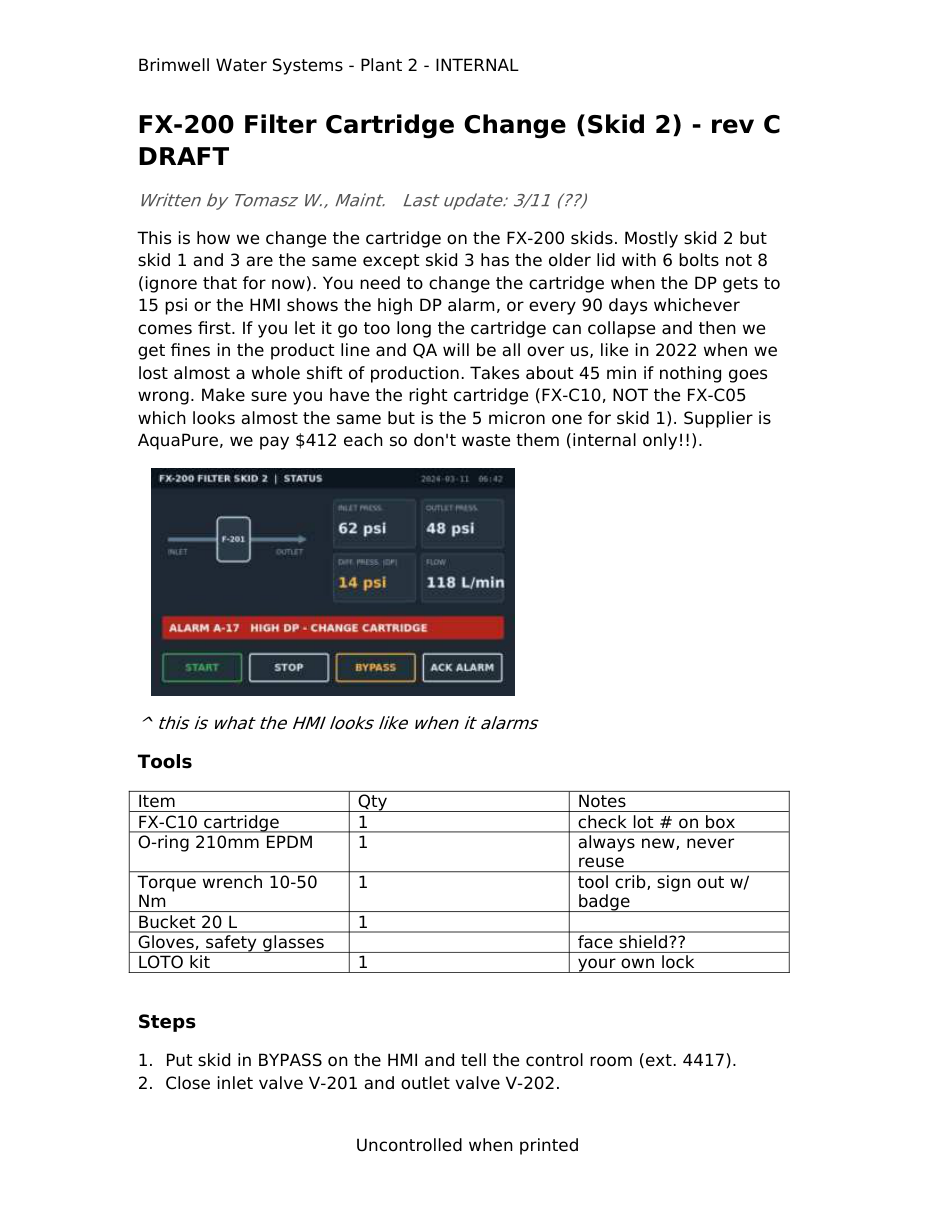
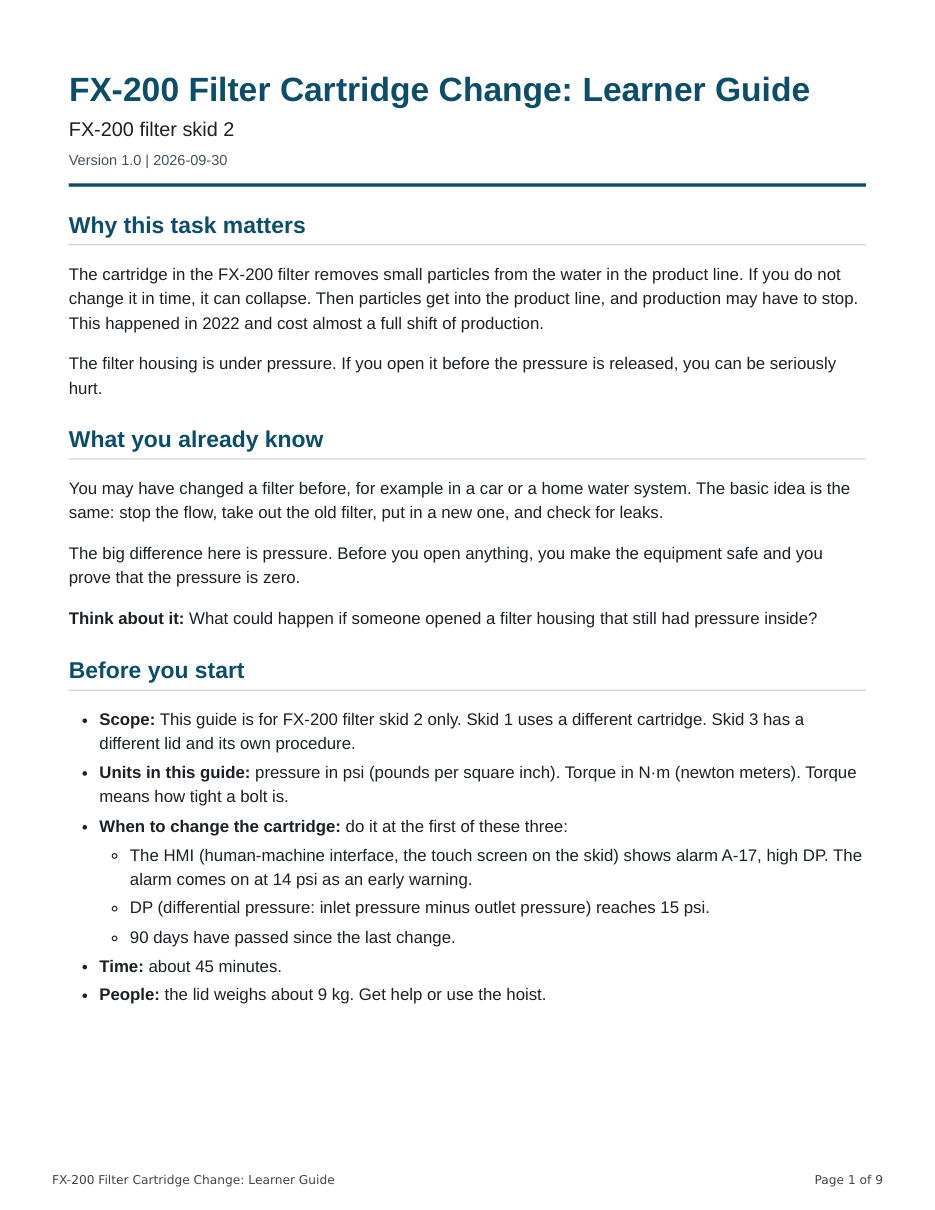
You start with the kind of file you get every week: a Word document from a subject matter expert, with blurry screenshots, notes to self, and open questions. You finish with a reviewed, accessible learner guide.
What you will build
One real job, from start to sign-off
In Module 1 you use Claude Code in the Claude desktop app. Claude does the fast work. You make the decisions that need a person.

- Extract. Pull the text, the hidden comments, and the images out of the Word file.
- Upscale. Make the small images larger two ways, and check what the AI changed.
- Rewrite. Draft the guide with a skill that applies an instructional design method.
- Review. Score the draft with a rubric, the way evaluators at AI companies do.
- Revise. Apply the SME's written answers and record what changed.
- Publish. Make a tagged, accessible PDF and a quick reference card. Then do it all again with your own document.
Why the review step matters
What the AI got wrong
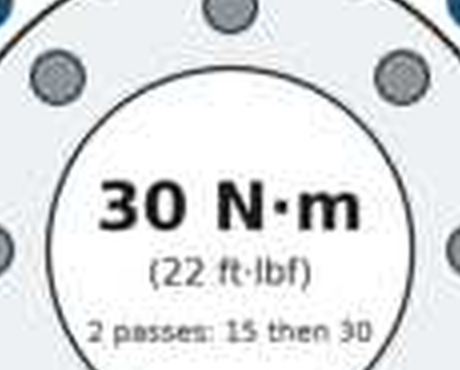
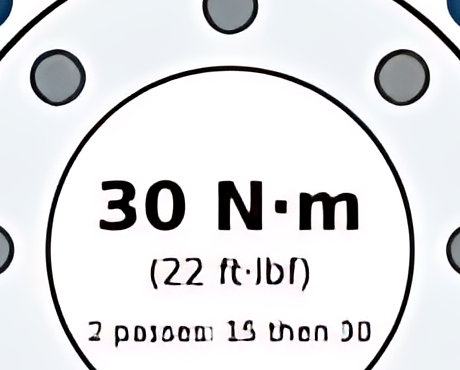
An AI upscaler made a torque diagram look sharper. It also changed the numbers. You learn a quick check that catches changes like this before they reach a technician.
How the course works
Built for the people who build training
Real files, real decisions
Each module is a production job with realistic files, not a list of prompts to copy.
Just enough theory
Each new AI term has a depth dial. Read one line to use it, or go deeper when you want to.
Your method, built in
You turn your own instructional design method into a skill that Claude follows every time.
Kept current
Steps that depend on a tool show the date they were last checked, with a link to the source.
Two paths
Use AI in your design work, or use your design skills in AI work. Every lesson covers both.
Plain and accessible
Plain English for readers of English as a second language. Designed to meet WCAG 2.2 Level AA.
Two paths
Where this can take you
Use AI in your design work
Get real work out the door faster without lowering quality: pull content out of messy files, check AI images, draft with your own method, review with a rubric, and publish accessible files.
Use your design skills in AI work
AI companies hire people who write rubrics, evaluate model answers, and teach people to use AI products. The "career lens" in each lesson shows how your skills transfer.
Course map
Eight modules and a capstone
Module 1 is ready. The other modules are in development and will be added as they are finished.
Module 1: Your First AI Production Job
Use Claude Code in the Claude desktop app to turn a messy SME Word document with low-resolution images into a reviewed, accessible learner guide PDF, then apply the same workflow to your own document.
AvailableModule 2: How AI Works: Just Enough Theory, Tested on Your Content
Write a one-page explainer of how your AI tools work, and run a 10-task mini-evaluation of a model on your own content.
In developmentModule 3: Your Design Toolkit: Prompts, Context, and Skills
Turn SME interview notes into a storyboard with a skill that encodes your standard; build an objective writer and alignment checker; set up a team CLAUDE.md.
In developmentModule 4: Assessment and Evaluation: Items, Rubrics, and AI Graders
Write and quality-check a knowledge check with AI, write a rubric, and compare human and AI graders on a small set of scored examples.
In developmentModule 5: Media with AI: Images, Video, and Voice
Build a short explainer package from your Module 1 guide: script, storyboard, images, AI voiceover, captions, and a licensing and disclosure log.
In developmentModule 6: Build Interactions: Scenarios, Simulations, and Accessible Code
Build a branching scenario and a software simulation with AI coding help, check and fix accessibility, and package it for an LMS.
In developmentModule 7: Data, Analytics, and Automation at Scale
Analyze feedback and LMS data, build a dashboard, and batch-process documents with subagents, while protecting personal data.
In developmentModule 8: Responsible AI, Governance, and Your Career
Draft AI-use guidelines and an AI-literacy micro-course for your organization, and build your career plan and portfolio.
In developmentCapstone: Workplace Workflow or Evaluation Portfolio
Track A: redesign a real production task with AI and measure it. Track B: build an evaluation portfolio for AI-industry roles. Or both.
In development
Who it is for
Made for learning teams
Instructional designers, learning experience designers, e-learning developers, trainers, and L&D managers. You can be new to AI or already use a chatbot at work. You do not need to code.
What you need
- A Mac or a Windows computer.
- A paid Claude plan (Pro or higher) for the hands-on lessons. Pro costs $20 a month, or $17 a month billed yearly (checked 30 Sep 2026). This is not part of the course price.
- Permission to install a free helper tool (uv), and Google Chrome or Microsoft Edge.
- About 14 hours for Module 1: 5 study sessions and a project.
Your instructor
Dean Ahlgren
Dean Ahlgren is an instructional designer. The skills he built creating rubrics at the Academy of Art University carried over to frontier-model training and rubric work, and he now works at an AI-powered company.
He never found an AI program made for learning and development people. Most AI training targets executives or engineers. This course is for the people who do the hands-on work.
What learners say
The course is new. Comments from learners will appear here after the first group finishes, and only with each person's written permission.
Pricing
Choose how you learn
Enrollment is not open yet. The prices below are planned and may change.
Individual
$395
Early access price. Planned full price $595.
For one person. Module 1 now, and each new module as it is released.
Team of 5
$1,775
$355 a seat.
Five seats for a learning team, with one invoice.
Team of 10
$3,160
$316 a seat.
Ten seats for a larger team, with one invoice.
Common questions
Do I need to know how to code?
No. You give Claude instructions in plain language. Claude runs the tools, and you review and approve what it does.
Which Claude plan do I need?
Pro or higher, for the hands-on lessons. The free Claude plan does not include Claude Code. You can try the free lesson and the step-through simulation without a paid plan.
My work laptop is locked down. Can I still take the course?
Yes. The practice kit has a request template for your IT team. Until they answer, you can use a personal computer with the fictional practice files, or use the finished example outputs for the tool steps.
Is this course part of Anthropic?
No. The course is independent and is not affiliated with or endorsed by Anthropic.
Start with the free lesson
See the whole Module 1 job in about 30 minutes, and check that your computer and Claude plan are ready.